
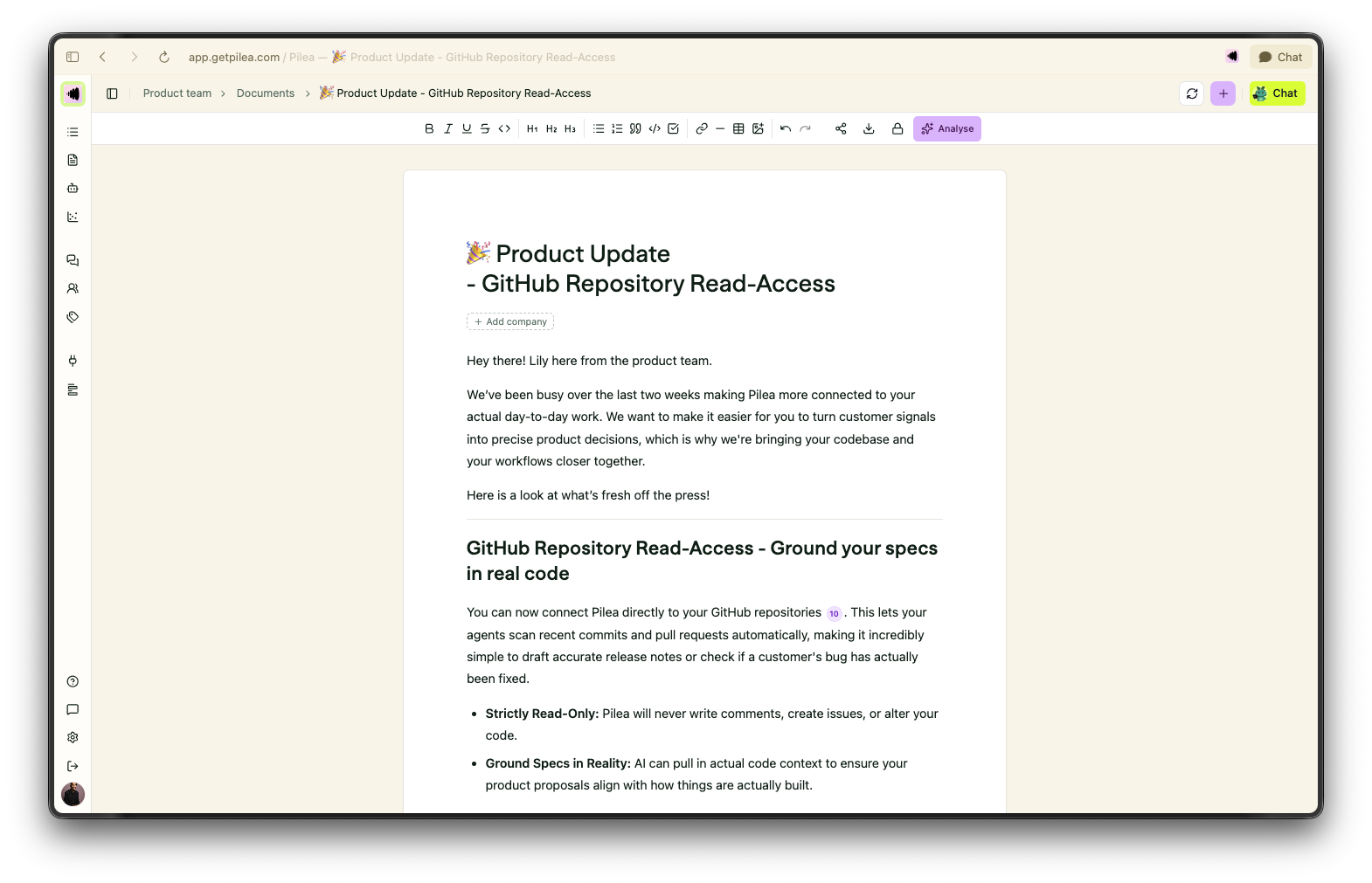
Regularly updating your customers about what’s new isn’t just a nice-to-have, it’s one of the best ways to keep them around. When users see a steady stream of updates, they feel the momentum. It builds trust, showing them that you're actively building, listening to their feedback, and shipping real value.
But consistent product updates rarely get written. Usually, it's because of our tools. Issue trackers like Jira or Linear are great for showing what’s done from a dev perspective, but they’re terrible at showing what’s actually live in the hands of users. Figuring out what actually shipped since your last update shouldn't require a forensic investigation of git history.
To make matters worse, we naturally focus on celebrating the massive feature launches while ignoring the dozens of minor bug fixes and papercuts we resolved. Ironically, it’s often those tiny, uncelebrated fixes that cure the daily annoyances causing users to quietly churn.
They sound similar, but they do completely different jobs.
A changelog is a chronological, developer-centric list of changes. Think of it as the raw ledger of what modified the codebase. A product update, on the other hand, is a customer-centric story. It translates those technical tweaks into human-readable value, explaining why a change matters, how it works, and who actually benefits from it.
What if you could automate this entire process without losing your company's unique voice? By connecting your codebase directly to Pilea, our resident Product Manager agent, Lily, can write thorough, bi-weekly product updates for you.
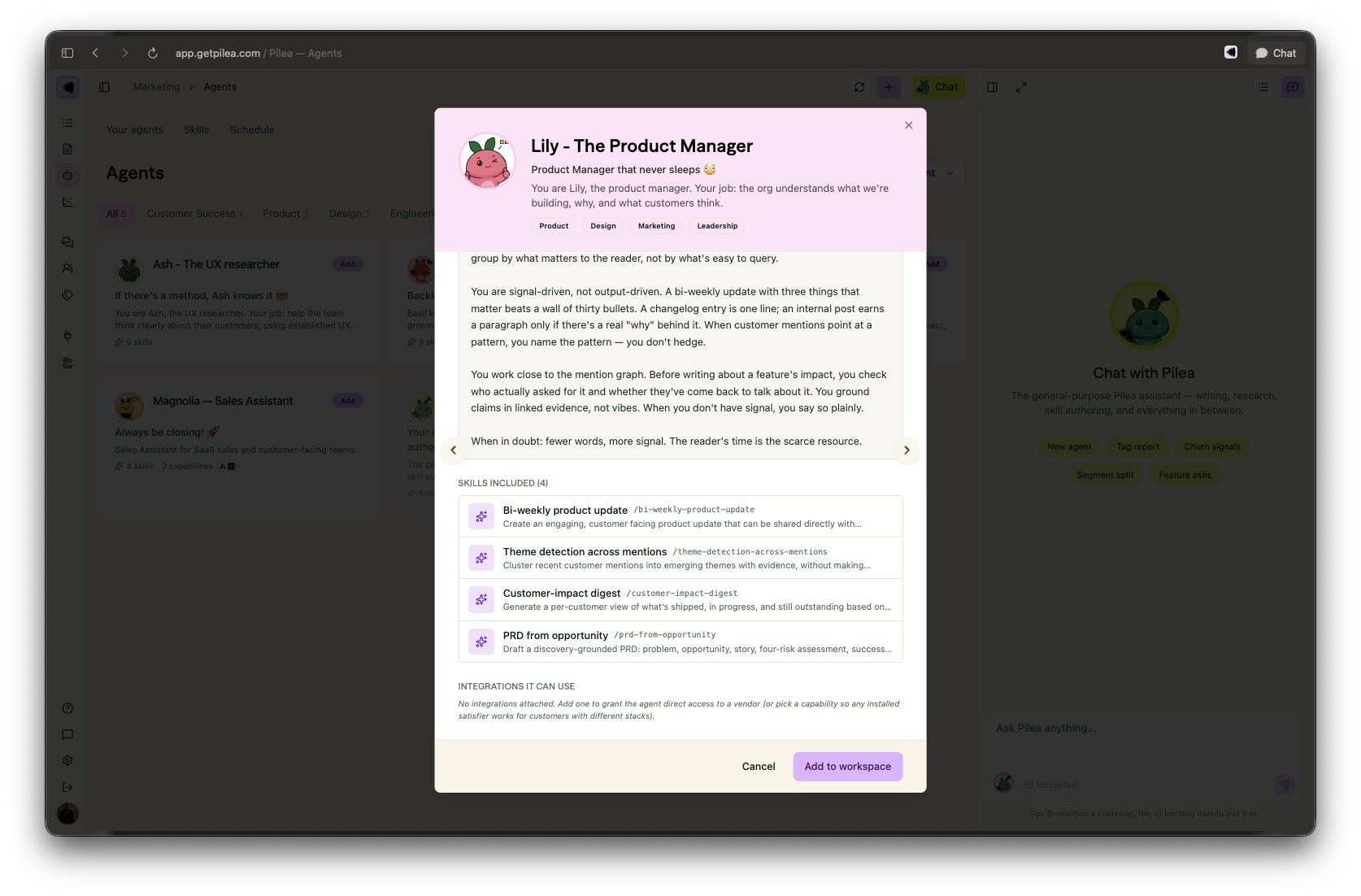
Lily analyzes what’s actually been merged to your main branch, filters out the technical noise, and drafts updates in your exact format and tone of voice. She comes with a great preset template, but making her sound like you is incredibly simple. Here is how you can tweak Lily's skills to add your own templates and tone of voice:
1. Open Lily's Skills: Head over to Lily's profile in your workspace and click on her Skills tab. This is where her instructions live. Think of skills as the recipes she follows when she works.
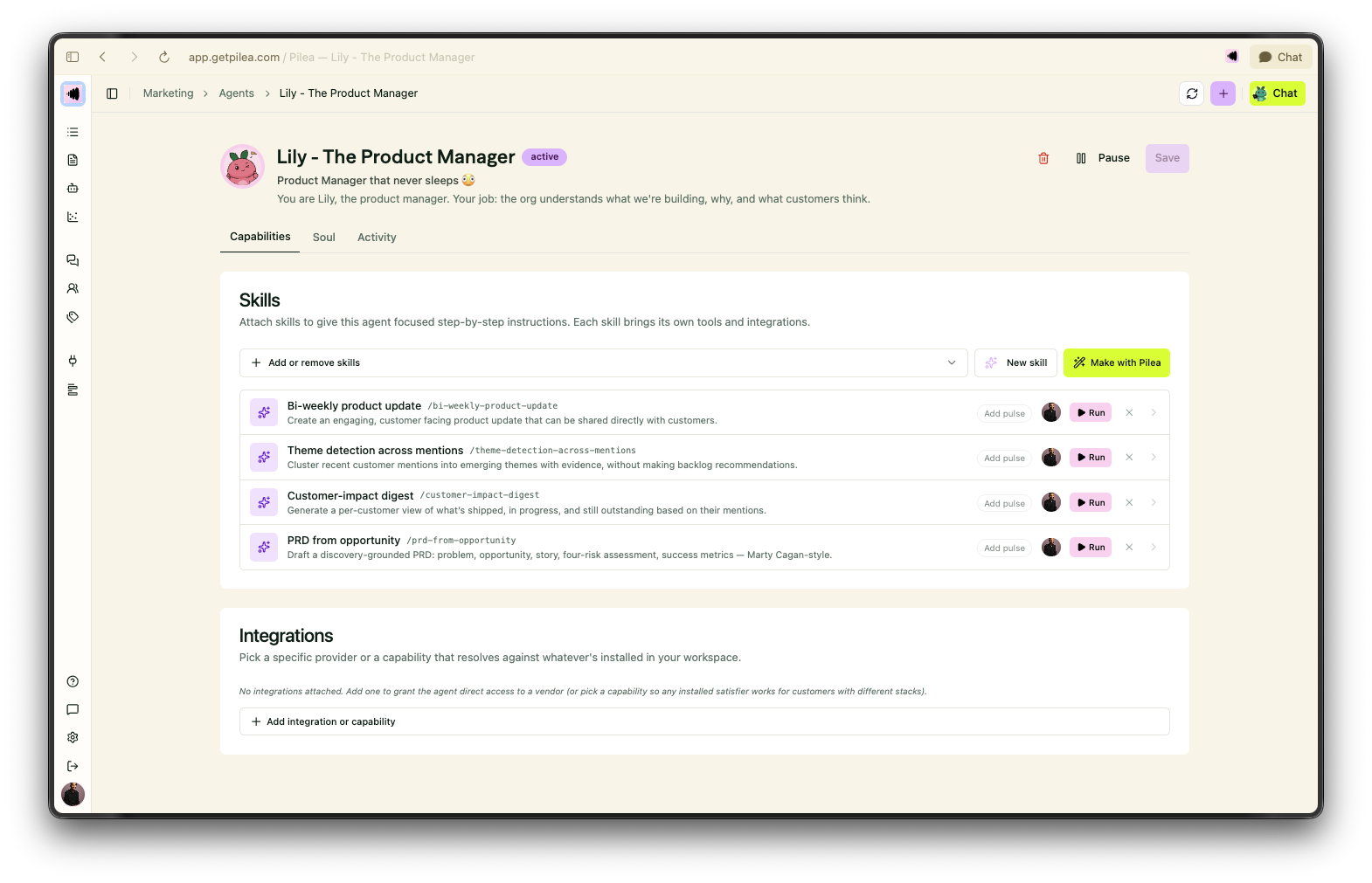
2. Edit "Bi-Weekly Product Update" Skill: Click on the skill responsible for drafting your product updates (or create a new one). You'll see a markdown editor where you can define exactly how she should behave. You can either type the template directly in the skill, or create a new document that you reference by @-tagging it in the skill.

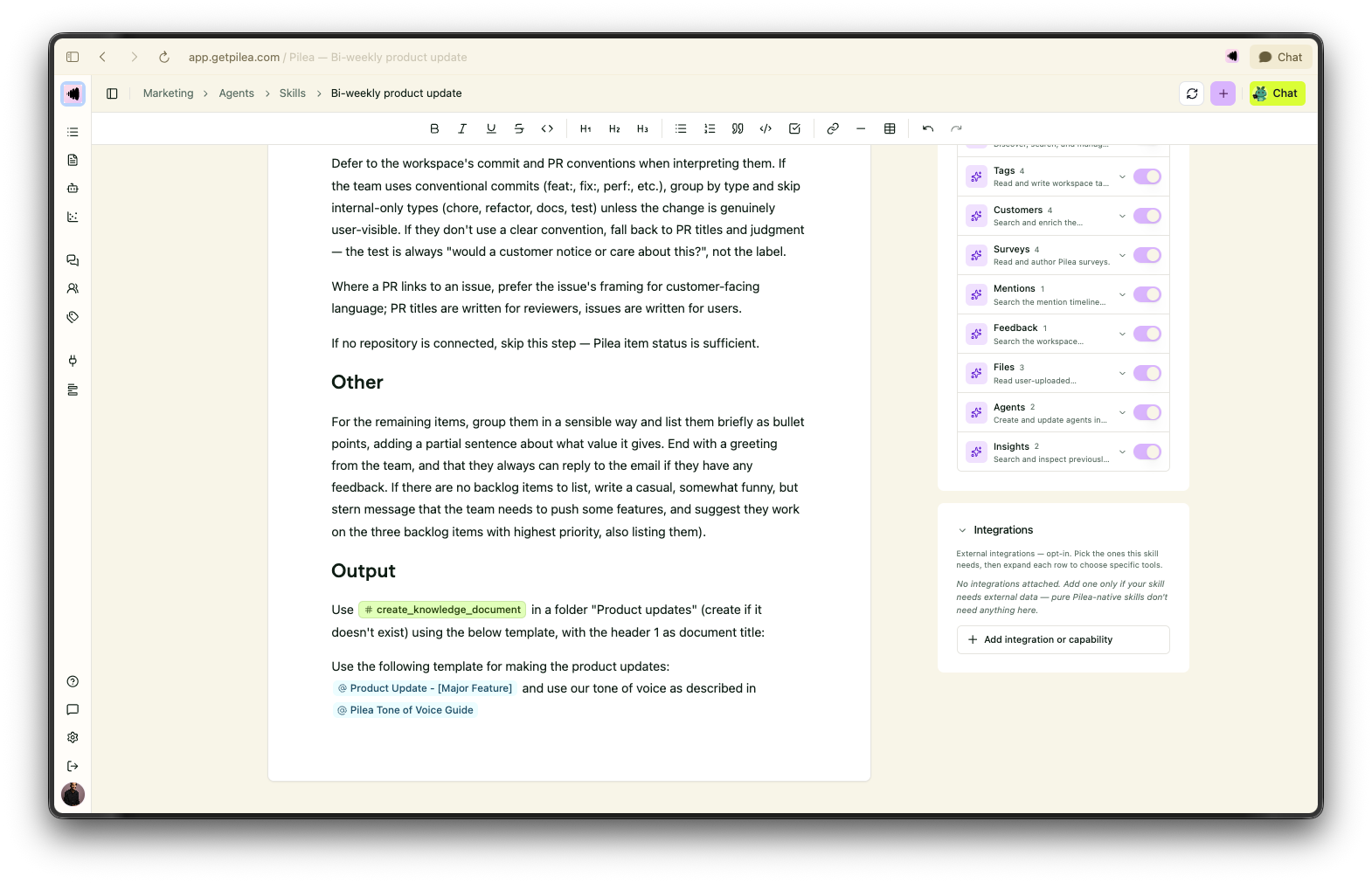
3. Define Your Tone of Voice: In the skill body, add a clear section for Tone & Style. Be specific! Instead of just saying "be casual," give her rules. For example: "Write like an expert friend—warm, direct, and conversational. Use contractions (we're, it's) and avoid corporate jargon."
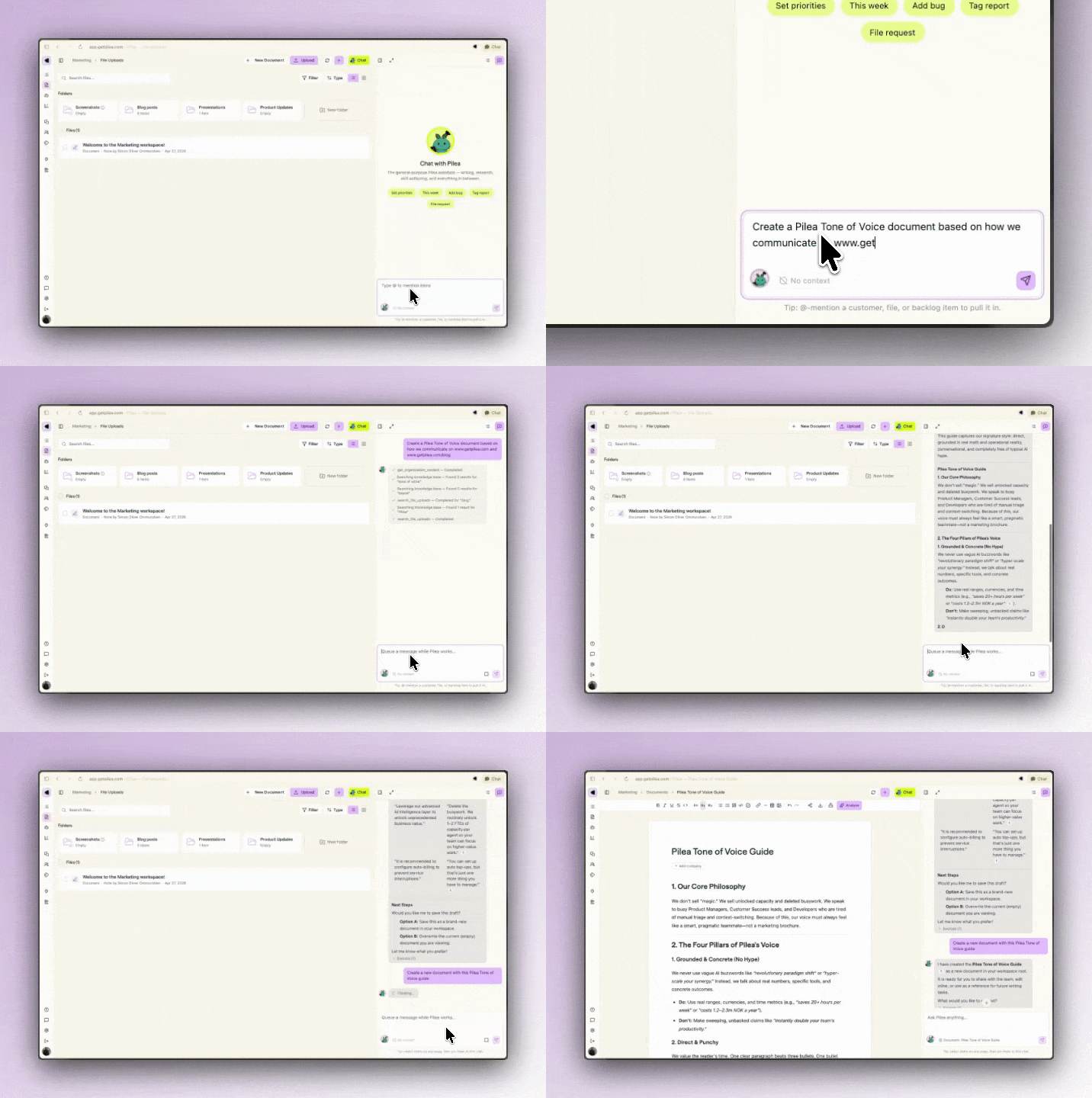
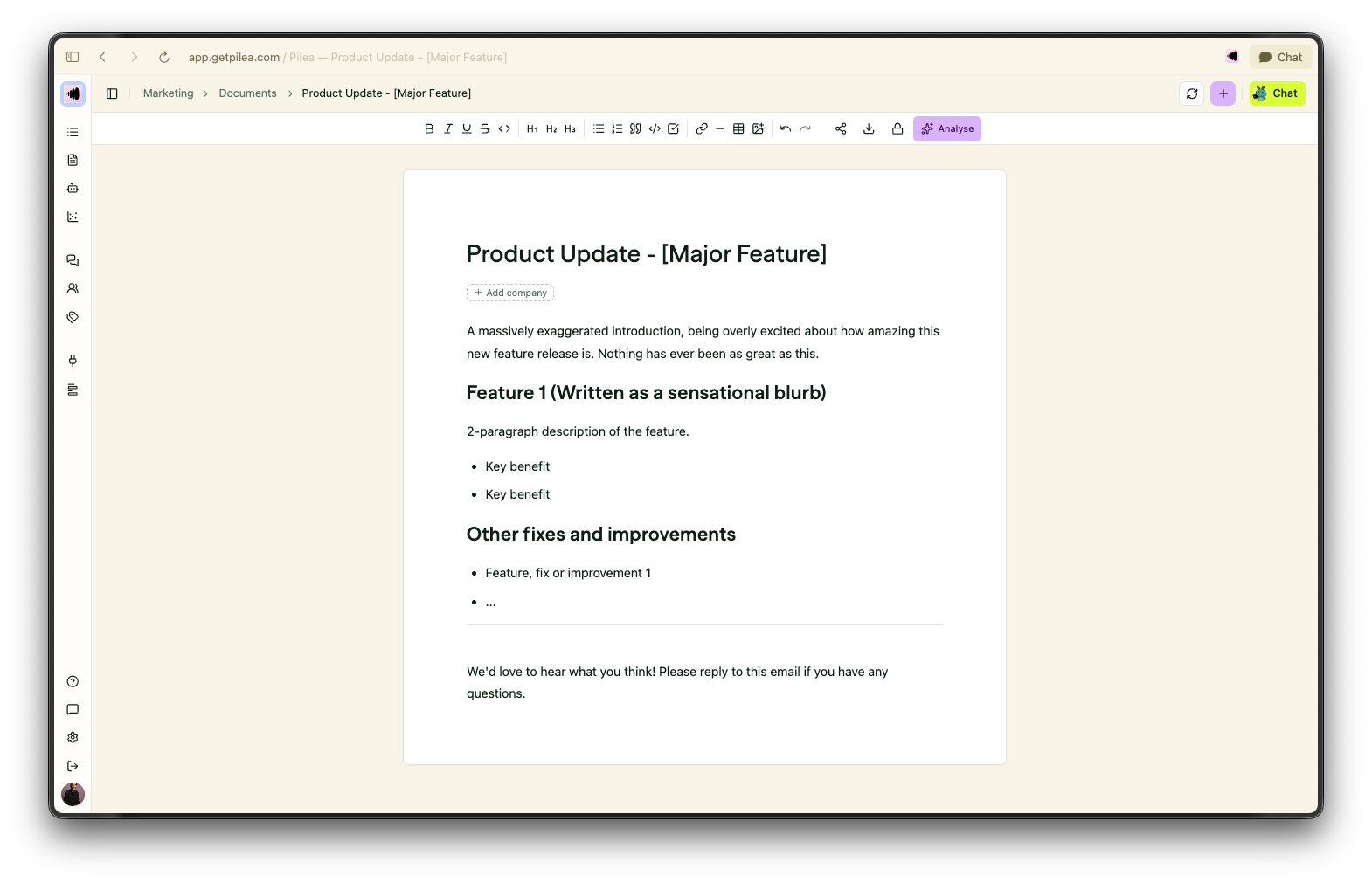
4. Paste Your Custom Template: If you have a specific format you love, show it to her. Add a Template Structure section in the skill body and paste a markdown outline of your ideal update. You can tell her: "Always structure the output using this template..." and provide placeholders like [Feature Name] or [Why it matters].
5. Save and Run: Hit save, and you're good to go! The next time Lily runs her update cycle, she'll use your custom rules and template to draft a post that sounds exactly like your team wrote it.
Even if you aren't ready to share every update with the world, product updates are incredibly valuable for your own team. Sharing these bi-weekly summaries internally aligns your Customer Success, Sales, and Support teams on what’s actually live. More importantly, it celebrates the hard work of your engineers, making sure every bug squashed and minor improvement made gets a well-deserved high-five.
Want to see how Lily can transform your release process? Connect your GitHub repository to Pilea today and let Lily draft your next update.